Watch List
The Watch List is your curated shortlist of RIA firms — every firm your workspace has starred in one place. Use it to keep tabs on competitors, acquisition targets, or any firms you want to follow closely without digging through the full directory each time.
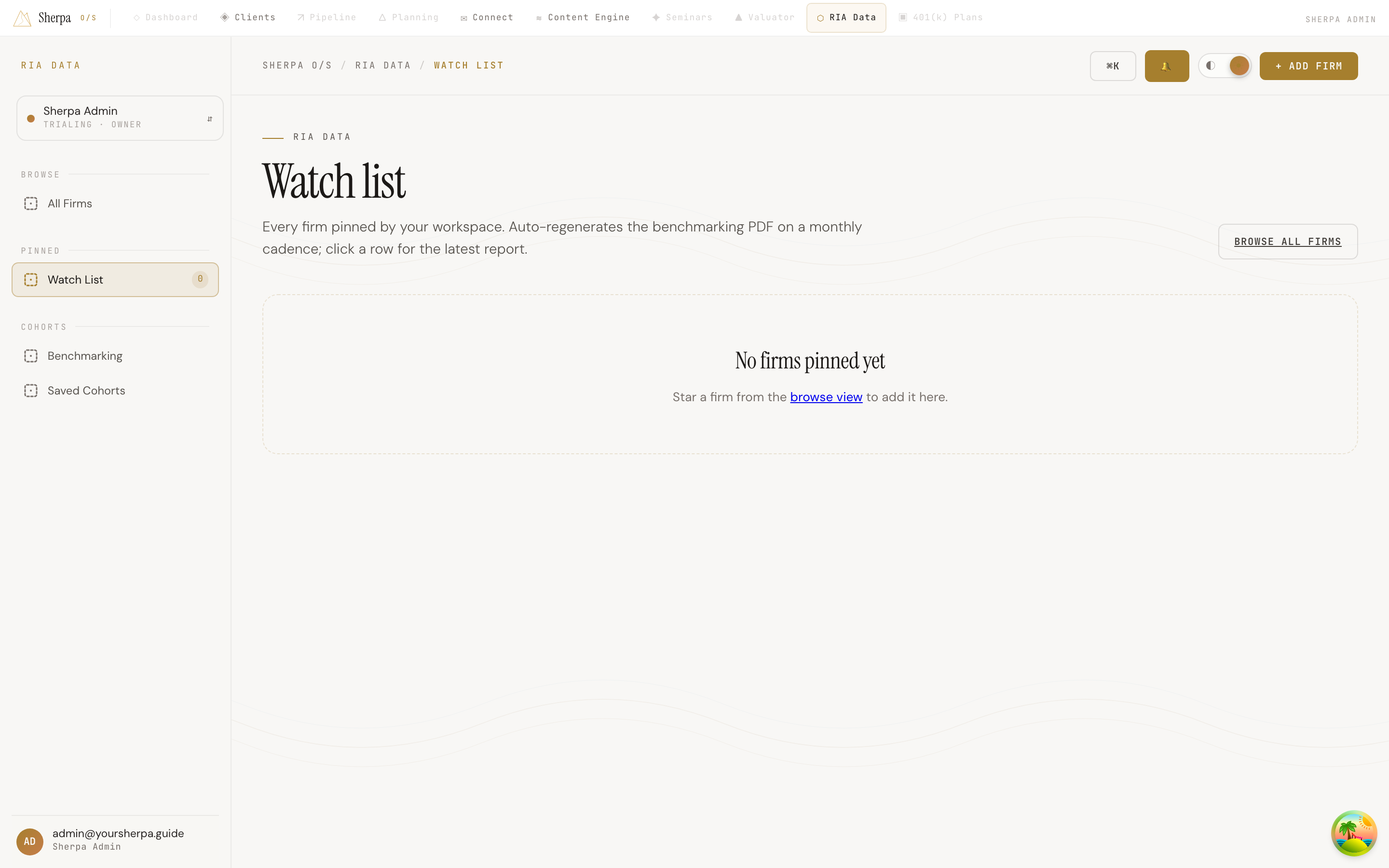
Getting there
Section titled “Getting there”In the left-hand navigation, go to RIA Data, then select Pinned > Watch List.
What you can do
Section titled “What you can do”See your pinned firms at a glance
Section titled “See your pinned firms at a glance”The Watch List displays every firm your workspace has starred in a table with the following columns:
- Firm — the legal name and CRD number. If you added personal notes when pinning the firm, they appear beneath the CRD number.
- Type — registration type (for example, ERA or RIA).
- State — the state of the firm’s primary office.
- Reg. AUM — regulatory assets under management, formatted in millions or billions.
- Clients — total reported client count.
- Pinned — the date your workspace added the firm to the watch list.
Open a firm’s detail page
Section titled “Open a firm’s detail page”Click any firm name in the Firm column to open its full detail page and view the latest benchmarking report. The watch list regenerates each firm’s benchmarking PDF on a monthly cadence automatically — no manual refresh needed.
Remove a firm from the list
Section titled “Remove a firm from the list”To stop watching a firm, click the Unwatch button at the right end of its row. The firm is removed from the list immediately. You can re-add it at any time from the browse view.
Add firms to the list
Section titled “Add firms to the list”The Watch List shows only firms you have already starred. If the list is empty, you will see a prompt directing you to the browse view. To pin new firms:
- Click Browse all firms (top-right of the Watch List page), or navigate to RIA Data from the sidebar.
- Find the firm you want to track.
- Star it from the browse view to add it to your Watch List.