Sources & Feeds
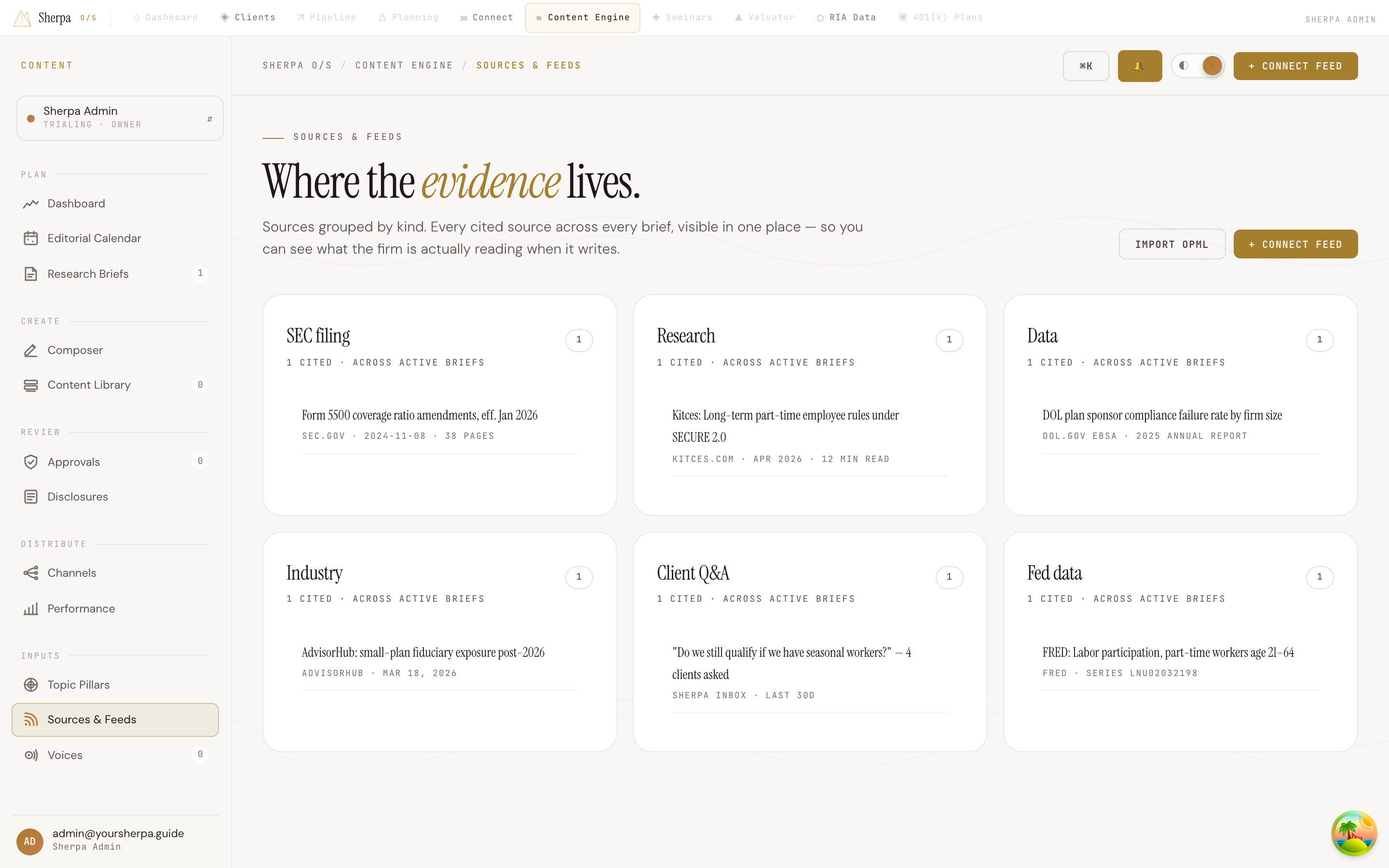
Sources & Feeds is where every external reference your firm has cited across active research briefs lives in one place. Instead of hunting through individual briefs for links, you can see at a glance what the firm is actually reading when it writes.
Getting there
Section titled “Getting there”In the app, navigate to Content Engine → Inputs → Sources & Feeds.
What you can do
Section titled “What you can do”Browse your cited sources
Section titled “Browse your cited sources”Sources are organized into panels by kind — for example, RSS feeds, web pages, or research publications. Each panel shows:
- The kind of source as the panel title.
- A count of how many items of that kind have been cited across active briefs.
- Up to ten individual sources, each displaying the source title and its URL or metadata beneath it.
If no sources have been cited yet, the page displays “No sources yet.”
Connect a new feed
Section titled “Connect a new feed”- Click + Connect feed in the top-right corner of the page.
- Follow the prompts to add a new feed that the Content Engine can draw from when generating briefs and drafts.
Import an OPML file
Section titled “Import an OPML file”If you manage your research subscriptions in a feed reader that supports OPML export, you can bring them into Sherpa in bulk:
- Export your subscriptions as an OPML file from your feed reader.
- Click Import OPML at the top of the Sources & Feeds page.
- Select your OPML file to import all included feeds at once.