Topic Pillars
Topic Pillars are the durable subject areas that anchor everything your firm publishes. Every research brief inherits a pillar, and every piece of content inherits from its brief — so getting your pillars right shapes the entire content pipeline downstream.
Getting there
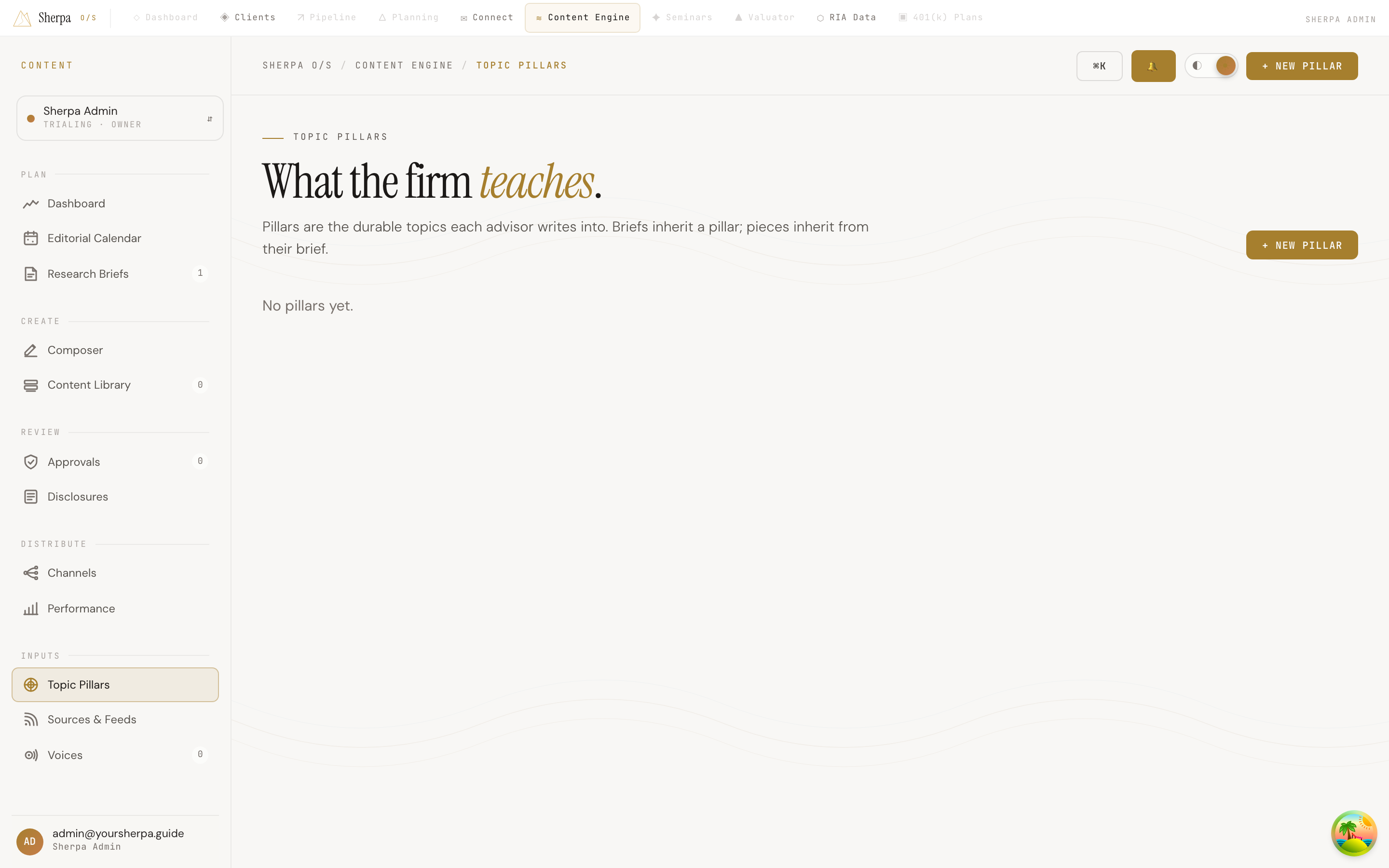
Section titled “Getting there”In the left-hand navigation, go to Content Engine, then select Inputs → Topic Pillars.
What you can do
Section titled “What you can do”View your pillars
Section titled “View your pillars”The screen displays all of your firm’s pillars as a color-coded card grid. Each card shows:
- Name — the pillar’s title.
- Description — a short summary of what the pillar covers (shown as a dash if none has been added yet).
Select Open → on any card to view or edit that pillar’s details.
If no pillars have been created yet, the grid displays “No pillars yet.”
Create a new pillar
Section titled “Create a new pillar”- Select + New pillar in the top-right corner of the screen.
- Fill in a name and, optionally, a description that clarifies the pillar’s scope for your team.
- Save your changes.
The new pillar becomes available immediately for use when creating or editing research briefs.
Why pillars matter
Section titled “Why pillars matter”Pillars act as a shared vocabulary for your content team. When a brief is tagged to a pillar, every piece generated from that brief carries the same thematic focus — which keeps your content library coherent and makes compliance review more predictable. Aim for a small set of well-defined pillars (typically three to seven) rather than creating one per topic you might ever address.